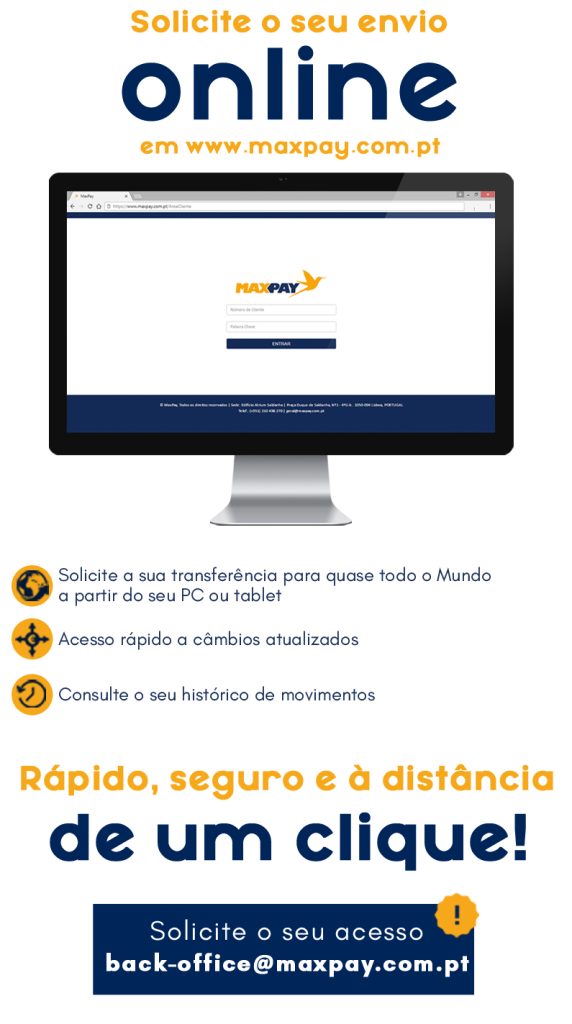
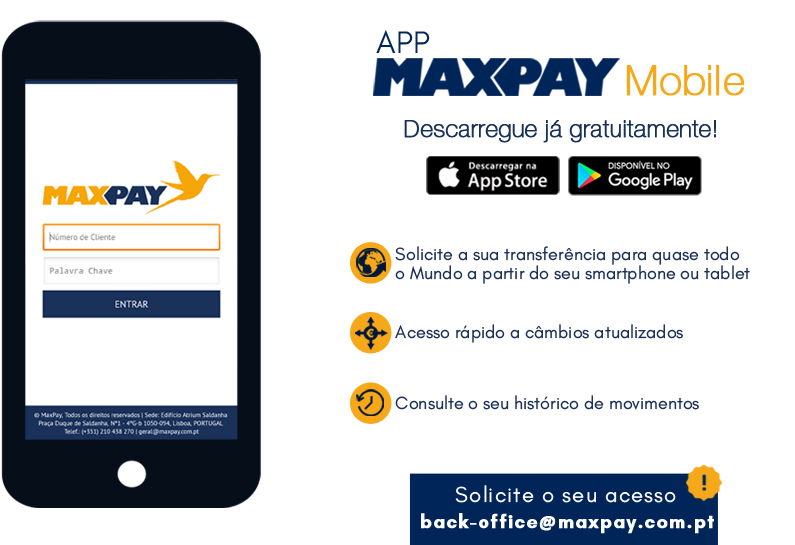
Online and Remote Sending
Customer Area
MaxPay APP
Tele-Shipping
The Tele-Shipment service allows you to make your shipment without having to go to a MaxPay counter.
To use our Tele-Shipment service, simply open your MaxPay customer profile. It’s easy!
You can do this in two ways.
In person at any counter
With the necessary documents, you can open your customer file in just a few minutes at any MaxPay branch.
Submission of Authenticated Documentation
If you are unable to physically go to the counter, you can send us your authenticated identification document via registered mail.
After registering your customer information (in person or by submitting authenticated documentation) and all the beneficiary’s details and bank details, if applicable, you can send your payment quickly, conveniently, and securely.
1st Step
Make your transfer or bank deposit to the following IBANs:
MOG – PT50 0036 0344 9910 0014705 30
CGD – PT50 0035 0137 0000 6229030 68
BPI – PT50 0010 0000 5243 6970001 29
MLL – PT50 0033 0000 4545 2234393 05
2nd Step
Contact us:
Telephone Line – 210 438 270
Toll-Free Line – 800 200 770
Email: tele-envios@maxpay.com.pt
3rd Step
Your submission was successful!
Receive your receipt and/or invoice automatically to your email address, associated with your customer record.
Your money will be sent successfully and with guaranteed payment within the expected deadlines!
Do you have any questions?
Get in touch with us! We will respond as soon as possible!
Contact Us